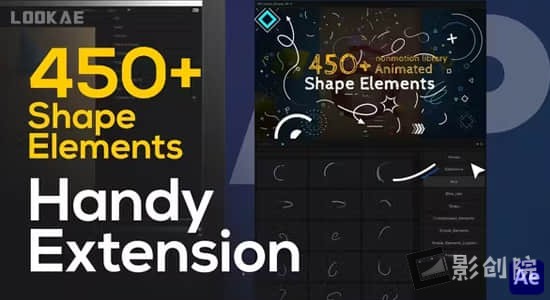
提供了450个简洁线条箭头爆炸图形MG动画元素预设 Shape Elements Pack Extension 450+ Elements
支持系统:Win 和 Mac
适用软件:AE CC 2019 和更高版
分辨率:任何分辨率
提供扩展:NM_Library_Shapes_AE(已包含)
音频信息:无音乐(更多AE模板精选参考音乐合集下载)
文件大小:313M
使用帮助:安装方法 (大脸亲测可用)+视频教程
【下载地址】
城通网盘 访问密码:6688 百度网盘 提取码:s56j 阿里云盘
每日更新10000+实战项目与成长课程
提供了450个简洁线条箭头爆炸图形MG动画元素预设 Shape Elements Pack Extension 450+ Elements
支持系统:Win 和 Mac
适用软件:AE CC 2019 和更高版
分辨率:任何分辨率
提供扩展:NM_Library_Shapes_AE(已包含)
音频信息:无音乐(更多AE模板精选参考音乐合集下载)
文件大小:313M
使用帮助:安装方法 (大脸亲测可用)+视频教程
【下载地址】
城通网盘 访问密码:6688 百度网盘 提取码:s56j 阿里云盘

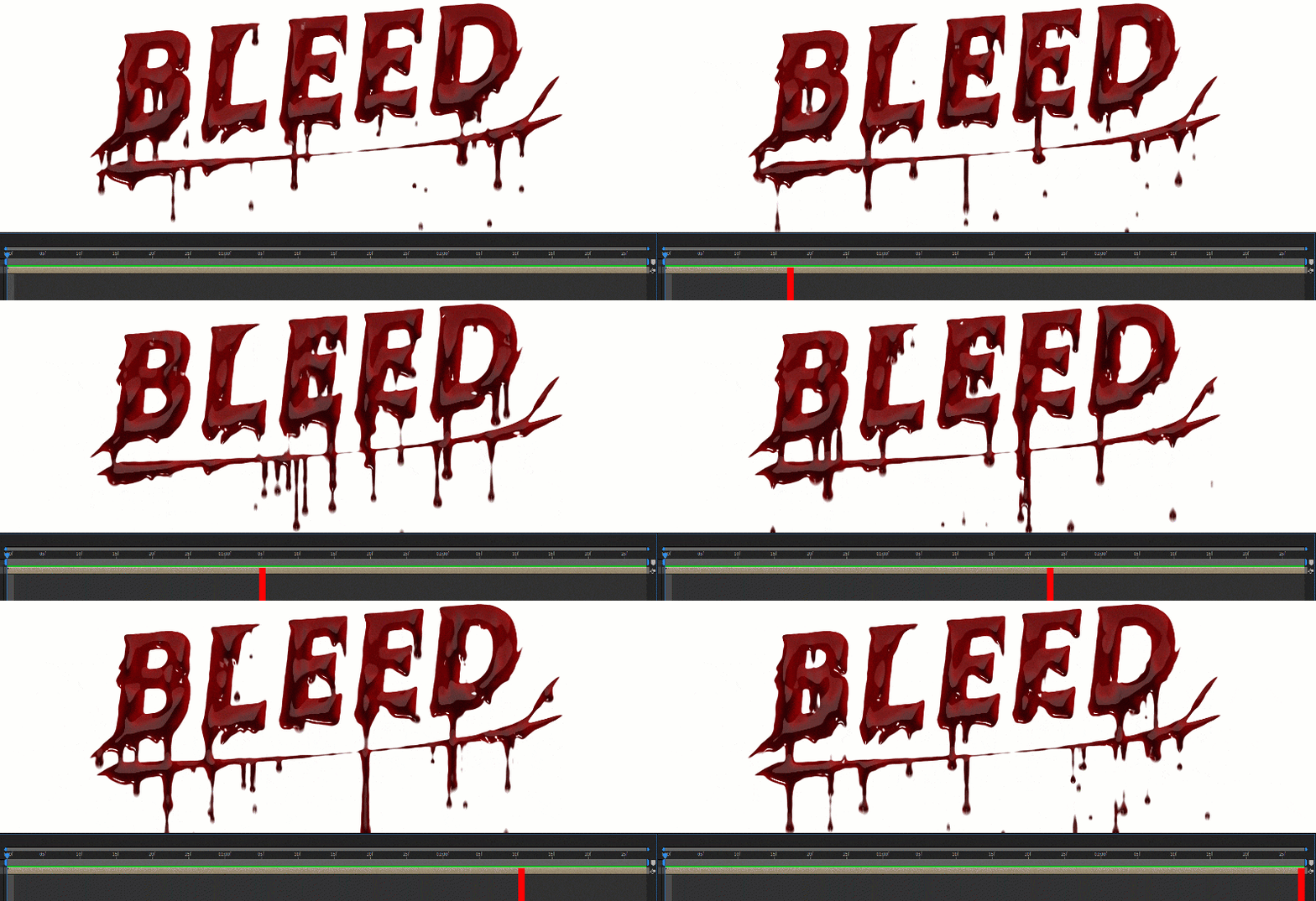
为具有多种控件且完全可循环的类型和对象添加出血效果!为您的恐怖电影、预告片、促销、活动、特效视频创建一个令人恐惧的介绍。您可以使用颜色控制器更改颜色,控制调整血液密度、血液滴落速度等。
Add a bleeding effect to type and objects with many controls and fully loopable!
插件特点:
v1.5.0更新内容:修改了相关组件的导入;修复了一些错误
支持Win/Mac系统:After Effects 2024, 2023, 2022, 2021, 2020, CC 2019, CC 2018, CC 2017
【下载地址】
城通网盘 访问密码:6688 百度网盘 提取码:rb9j 阿里云盘

使用这个脚本可以让多个关键帧对齐、翻转、偏移、拉伸、颜色标签等等! 在 After Effects 中操作关键帧和图层可能很乏味…使用Keystone 2所有基本任务(如对齐、拉伸、交错、颜色标签等)只需单击一下即可完成,并分组在一个扩展中!
Keystone v2 重大更新:
支持Win/Mac系统:AE 2024, 2023, 2022, 2021, 2020
【下载地址】
城通网盘 访问密码:6688 百度网盘 提取码:3ni9 阿里云盘

提供了两个脚本 JerryFlow和JerryShakes,用于制作平滑和抖动效果,改善您的工作流程,提供制作效率。
JerryShakes 抖动脚本特征:
JerryFlow 平滑脚本特征:
【下载地址】
城通网盘 访问密码:6688 百度网盘 提取码:4ftr 阿里云盘
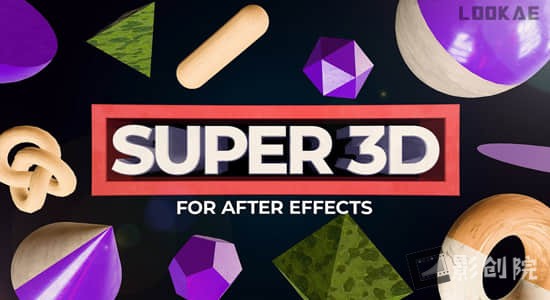
使用脚本 Super 3D可以增强After Effects中的3D功能。您可以使用脚本自带的模型,或轻松添加一些基础的外置三维膜模型对象,进行模型替换、添加纹理材质等操作。
Super 3D is a powerful extension for After Effects (version 24.1 and newer) that expands your 3D capabilities. With Super 3D, you can easily add 3D objects, parametric primitives, and control textures.
支持Win/Mac系统:After Effects 2024 或更高版本
【下载地址】
城通网盘 访问密码:6688 百度网盘 提取码:fgre 阿里云盘
Easy Clones是为2D图稿构建的克隆系统,包括位图图层、矢量图层、形状图层和预压缩。脚本创建了一个灵活的克隆系统,允许您快速轻松地应用线和网格位置间距,为位置、缩放、旋转和不透明度属性添加随机性,添加随机颜色、可循环摆动、保持笔触宽度和内置延迟系统到您的动画。尽管该工具是为 2D 图稿而构建的,但也支持 3D 图层。
工作原理: Easy Clones 创建一个Clone Control Layer来控制基本属性(位置、缩放、旋转和不透明度),可以使用Easy Clones Effect 中的控制器进一步修改这些属性。图稿层被转换为 引用控制层的克隆,同时保持完全可控,允许您微调和定制动画。
A cloning system built for 2D artwork, including Bitmap Layers, Vector Layers, Shape Layers and Precomps.Easy Clones creates a flexible clone system that allows you to quickly and easily apply line and grid position spacing, add randomness to position, scale, rotation and opacity properties, add random colours, loopable wiggles, maintain stroke widths and an inbuilt delay system to your animations. Although the tool is built for 2D artwork, 3D Layers are also supported.
v2.1更新内容:
新功能列表:
巨大的性能提升
规模限制
新的滑块和复选框控制器,用于添加到克隆系统的附加属性
错误修复:
启用位置摆动时值加倍
为颜色控制器添加延迟
支持Win/Mac系统:AE 2024, 2023, 2022, 2021, 2020, CC 2019
【下载地址】
脚本:城通网盘 访问密码:6688 百度网盘 提取码:ftsm 阿里云盘
教程:城通网盘 访问密码:6688 百度网盘 提取码:tt57 阿里云盘
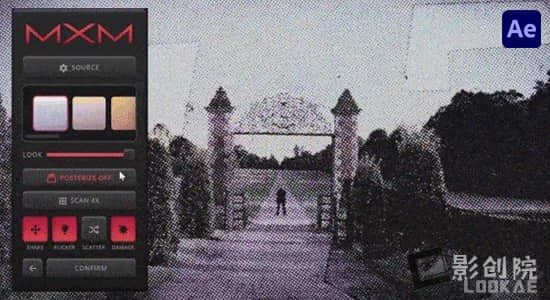
使用这个扩展脚本,可一键快速生成混合媒体动画,具有完全可定制的彩色扫描、纸张样式、扫描分辨率的视觉效果。只需选择一个图层,启动MXM并开始自定义您的外观。
No more Print and scan, let MXM do all the heavy lifting!One-Click Mixed Media animations with fully customizable Color Scan, Paper Style, Scan Resolution & Bonus Effects.One-Click Mixed Media Emulator
支持Win/Mac系统:Adobe After Effects 2024 (24.3) 或更高版
【下载地址】
城通网盘 访问密码:6688 百度网盘 提取码:ibsu 阿里云盘
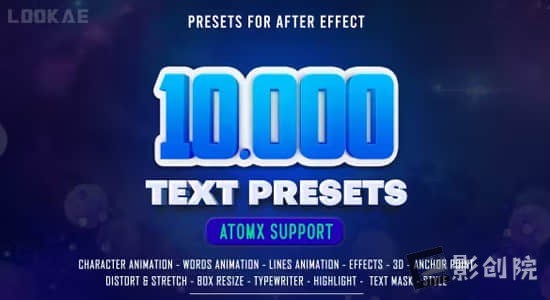
新版V2更新内容:添加复制、粘贴和删除预设,将结构编辑为许多新功能,缩短表达式以加快处理速度,编辑效果和其他错误。这套预设是在After Effects中创建令人惊叹的文本动画的强大工具。凭借10000多个预设和Atomx扩展支持,文本预设简化了动画过程并提供了广泛的功能。9510种缓入缓出动画+972种效果预设+68种风格预设。立即获取文本预设,将您的视频项目提升到一个新的水平!使用AtomX脚本调用预设,可视化预览,双击即可直接使用于时间线,使用非常简单。
使用要求:
【下载地址】
城通网盘 访问密码:6688 百度网盘 提取码:qf5d 阿里云盘
【其他相关】
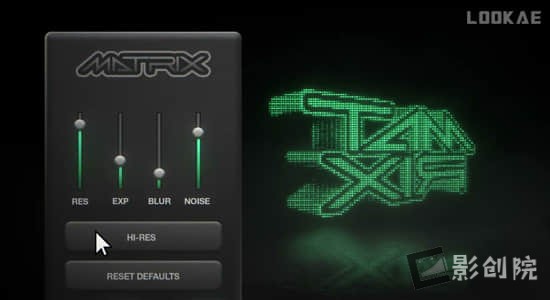
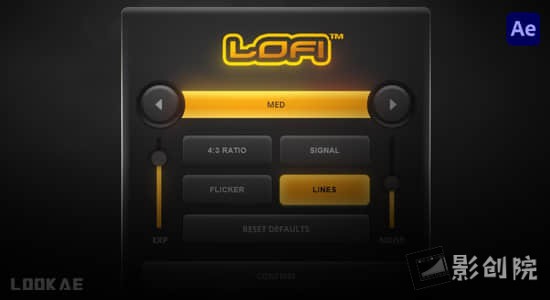
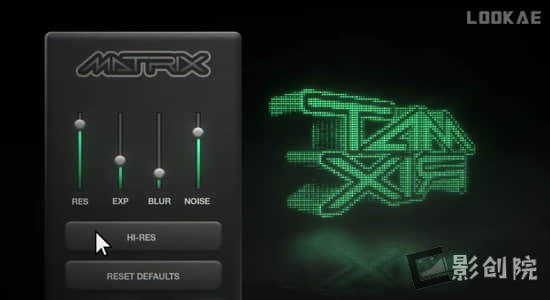
可一键快速生成复古电脑屏幕像素赛博朋克效果,只需选择一个构图,启动 Matrix 并开始自定义您的外观。在图像、徽标、素材或纹理上应用像素样式并进行实时预览。通过易于使用的界面快速调整像素分辨率、风格、失真和亮度。
One-click Retro computer screen pixel effects.Simply select a composition, launch Matrix and start customizing your look.Apply pixel styles with real time preview on images, logos, footage or textures. Quickly adjust the pixel resolution, style, distortion and brightness from an easy to use interface.
支持Win/Mac系统:Adobe After Effects 2024, 2023, 2022, 2021
【下载地址】
城通网盘 访问密码:6688 百度网盘 提取码:0eiq 阿里云盘
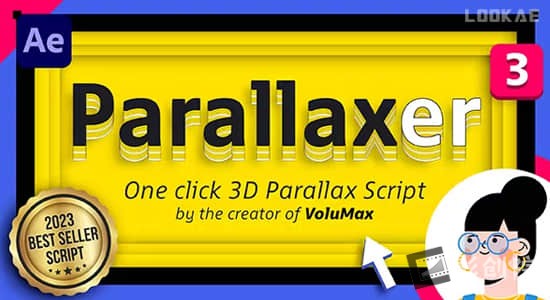
V3更新内容:随时灵活地在两个方向添加或转换 2D 和 3D 图层:新的“转换图层”按钮/新的“2D 转换”按钮
新版Parallaxer v3是一个 After Effects 脚本,可让您轻松创建令人惊叹的 2.5D 视差动画。由 VoluMax 7 3D Photo Animator 的创建者制作。一键式工具会自动将您的分层Illustrator 或 Photoshop 文件转换为 3D 合成,准备制作动画。此外,自动缩放功能可让您深度移动图层,而无需更改其在图像中的大小,从而节省您的时间!
脚本特点:
【下载地址】
城通网盘 访问密码:6688 百度网盘 提取码:n9va 阿里云盘
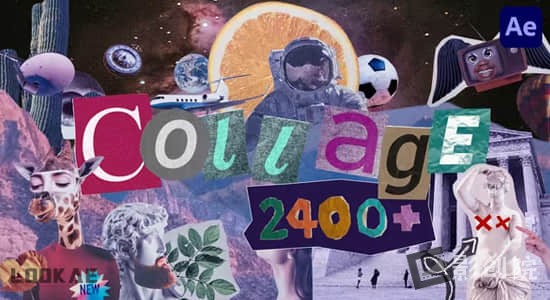
更新至V5版本,修复BUG,更新动画预设,提高图像质量并优化文件大小。非常特殊的项目,以精心制作的方式完成。该套餐将为用户带来非凡的体验,激发歌曲创作和新的感受。包含人物眼耳口鼻手头发风景花朵动物食物交通日常物品场景复古贴纸定格动画预设。使用AtomX扩展调用,可视化预设操作,直接使用作用于时间线。
支持系统:Win 和 Mac
适用软件:AE CC 2019 和更高版
分辨率:任何分辨率
提供扩展:AtomX 3.0.8 脚本(已包含)
音频信息:无音乐(更多AE模板精选参考音乐合集下载)
文件大小:4.8G
使用帮助:安装方法 (大脸亲测可用)
特别注意:安装后请勿移动安装文件,否则失效。
【下载地址】
城通网盘 访问密码:6688 百度网盘 提取码:f61u 阿里云盘
【其他相关】

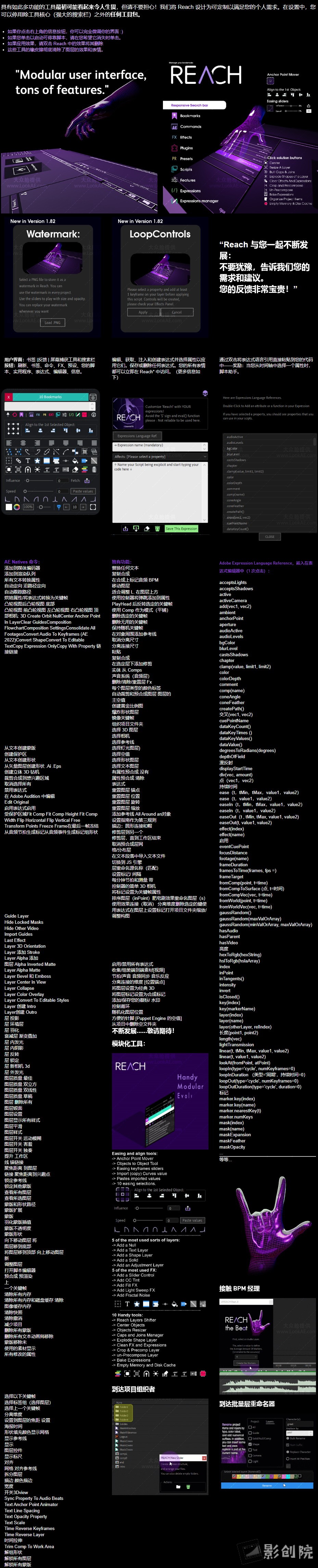
一个包罗万象适应性强且不断发展的工具集。它为After Effects工具包注入了一系列独特的 创新实用程序。从 初级到复杂,Reach将期望提升到非凡的境界。通过Reach简化复杂、简化繁琐并激发您的创造力-每个 After Effects 冒险家的典型伴侣。准备好使用 Reach AEssential 工具包提高 After Effects:Reach 使您可以轻松访问AE 中的各种功能,包括命令、效果、预设、扩展、插件和所有脚本。还有预写表达式、表达式编辑器、脚本助手和表达式存储功能。Reach 具有独特的功能,例如 用于管理图层、关键帧、颜色、音频同步、合成、优化、裁剪、反弹、木偶图钉、相机等的工具。 响应式界面还包括内置功能,例如锚点管理器、对齐工具、缓动滑块和快捷方式等。
Reach is an all-encompassing, adaptable, and ever-evolving toolset.It infuses the After Effects toolkit with a medley of uniquely innovative utilities. From elementary to intricate, Reach takes the expected and elevates it into the realm of the extraordinary. Simplify the complex, streamline the cumbersome, and catalyze your creativity with Reach – the quintessential companion for every After Effects adventurer.Get ready to raise After Effects with Reach AEssential kit:Reach gives you easy access to a wide range of functions within AE, including commands, effects, presets, extensions, plugins, and all your scripts. There are also pre-written expressions, an expressions editor, a Script helper, and a storage feature for expressions.
Reach has exclusive features like tools for managing layers, keyframes, colors, audio sync, compositions, optimizations, crop, bounce, puppet pins, cameras, and more. The responsive interface also includes built-in features, for example, an anchor manager, align tools, easing sliders and shortcuts, and more.
支持Win/Mac系统:After Effects 2024, 2023, 2022
【下载地址】(内附使用视频教程)
城通网盘 访问密码:6688 百度网盘 提取码:xfe1 阿里云盘
高级类型的色彩控制,它将所有不同的颜色属性从“拾色器”对话框带到After Effects 的“效果和控制”面板,您可以在其中为这些属性设置动画或应用表达式。不仅如此,它还提供不同的颜色模型、操作模式、自动化创建控件以及更多自定义功能等等!
Advanced Color Control, as the name suggests, is the advanced type of Color Control. It brings all the different properties of color from the Color Picker dialog to the Effects & Controls panel of After Effects where you can animate or apply expressions to these properties. Not only that, but it also provides different Color Models, Operation Modes, Automation of creation of Controls with much customization and much more!
高级颜色控制提供 3 种不同的颜色模型,让您可以选择适合您的喜好和工作流程的一种。这些模型包括:
每个颜色模型都有 2 种操作模式,用于确定颜色模型的操作方式。这些模式的详细信息如下:
支持Win/Mac系统:After Effects 2024, 2023, 2022, 2021, 2020, CC 2019, CC 2018, CC 2017, CC 2015.3, CC 2015, CC 2014
【下载地址】
城通网盘 访问密码:6688 百度网盘 提取码:yyo1 阿里云盘

Shy Bar是您掌握 After Effects 时间轴的关键。当您的项目充满层次时,这个强大的工具栏将成为您的首选盟友。它可以让您毫不费力地过滤掉杂乱的内容,只关注对您最重要的层。无论您是要制作角色动画并希望将特定的肢体动作归零,还是要处理无数的文本图层,Shy Bar 都能确保您只看到重要的内容。这是您获得简化、高效工作流程的门票,节省您的时间并让您的创造力大放异彩。使用 Shy Bar 释放 After Effects 项目的全部潜力 – 精确与简单的结合。
Shy Bar is your key to mastering After Effects timelines. When your project is bursting with layers, this powerful toolbar becomes your go-to ally. It lets you effortlessly filter through the clutter, focusing solely on the layers that matter most to you. Whether you’re animating a character and want to zero in on specific limb movements or dealing with a myriad of text layers, Shy Bar ensures you see only what’s essential. It’s your ticket to a streamlined, efficient workflow, saving you time and letting your creativity shine. Unleash the full potential of your After Effects projects with Shy Bar – where precision meets simplicity.
支持Win/Mac系统:After Effects 2024, 2023
【下载地址】
城通网盘 访问密码:6688 百度网盘 提取码:0ifs 阿里云盘
该脚本可帮助您使用许多不同的工具更快地处理形状图层。包含功能:
A script to help you go faster in your work with shape layers with a lot of different tools.
1.Anchor Shape Group: Choose what position you want for anchor point and the anchor will be relocate inside your shape group.
2.Shape Out Null create a null for each Shape Group inside a Shape, you can animate all the shapes with nulls and put all your animation back into your Shape.
3.Shape Keys adding keys at current time in any most use properties of shape.
4.Maintain Stroke for maintain Stroke Width of a shape layer even if the layer or the parents are scale.
5. Arrange your panel by choosing which tools to display
支持Win/Mac系统:After Effects 2024, 2023, 2022, 2021
【下载地址】
城通网盘 访问密码:6688 百度网盘 提取码:p0e4 阿里云盘